


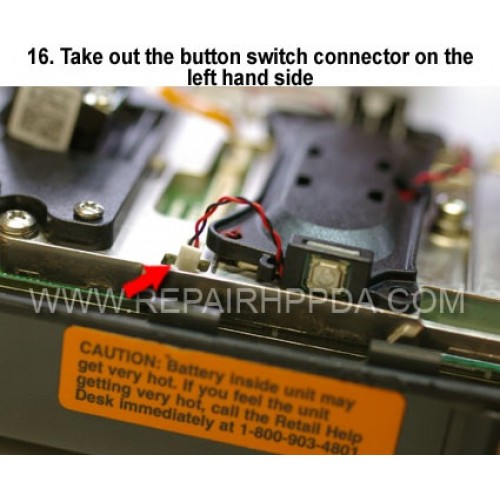
16. Take out the button switch connector on the left hand side
Cliquez sur l'image pour la galerie
16. Take out the button switch connector on the left hand side

.9. Take out 2 screws which near the Sim card connector..
US $0,00


.6. Take 2nd screw inside and near the battery connector..
US $0,00

.5. Take 1st screw inside and near the battery connector..
US $0,00

Speaker Replacement for Zebra Symbol EC30 EC300K..
US $2,90
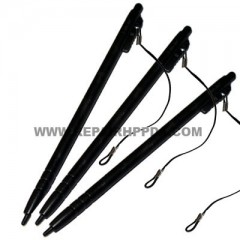
Stylus set (3 PIECES) Replacement for Symbol MC67..
US $3,50

Front Cover Replacement for Zebra Symbol CC600..
US $19,90

Speaker Replacement for ALL Zebra MC3300, MC33x, MC33ax, MC3300x series..
US $1,50

LCD Flex Cable ( for Android & Window, 10.1") replacement for Zebra ET51, ET56..
US $14,90