


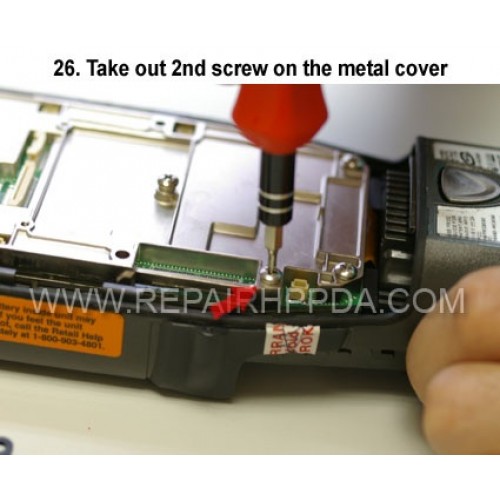
26. Take out 2nd screw on the metal cover
Cliquez sur l'image pour la galerie
26. Take out 2nd screw on the metal cover

.9. Take out 2 screws which near the Sim card connector..
US $0,00


.6. Take 2nd screw inside and near the battery connector..
US $0,00

.5. Take 1st screw inside and near the battery connector..
US $0,00


.Back Cover Replacement for Motorola Symbol Micro Kiosk MK500, MK590..
US $6,90

15. Take out 4 scews on the backup battery cover..
US $0,00