


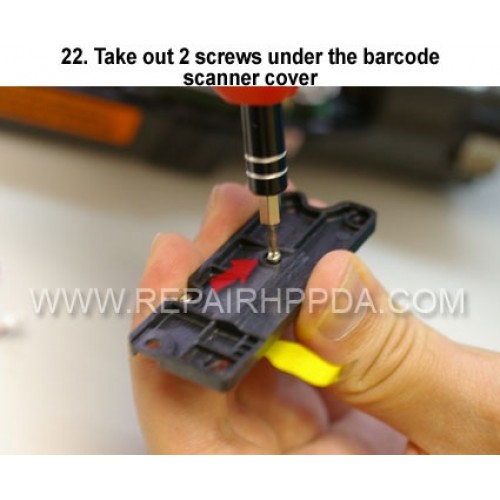
22. Take out 2 screws under the barcode scanner cover
Klik op de afbeelding voor Gallery
22. Take out 2 screws under the barcode scanner cover

.9. Take out 2 screws which near the Sim card connector..
US $0,00


.6. Take 2nd screw inside and near the battery connector..
US $0,00

.5. Take 1st screw inside and near the battery connector..
US $0,00
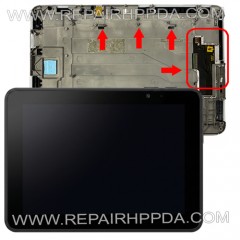
LCD with Touch with Front ( Window, 10.1" version ) Replacement for Zebra ET51, ET56..
US $228,00