


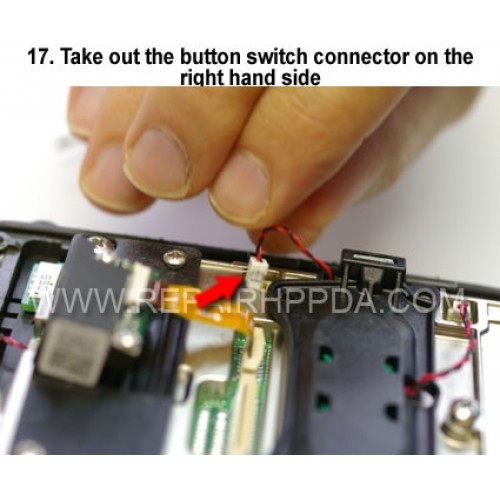
17. Take out the button switch connector on the right hand side
Clique na imagem para Gallery
17. Take out the button switch connector on the right hand side

.9. Take out 2 screws which near the Sim card connector..
US $0,00


.6. Take 2nd screw inside and near the battery connector..
US $0,00

.5. Take 1st screw inside and near the battery connector..
US $0,00


Trigger Switch (only Plastic) Replacement for Symbol MC333R-G (RFID)..
US $14,90

Battery Connector Cover Replacement for Symbol MC67
..
US $4,90

38-Key Keypad PCB for ALL Zebra MC33x, MC33ax, MC3300ax series..
US $29,90

17. Take out the button switch connector on the right hand side..
US $0,00
