


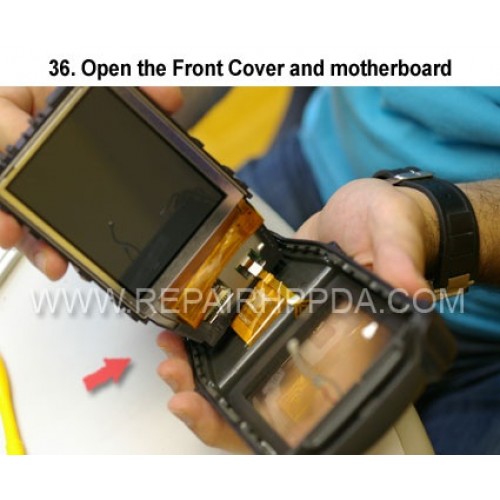
36 Open the Front Cover and motherboard
Klickt auf das Bild für die Galerie
36. Open the Front Cover and motherboard

.9. Take out 2 screws which near the Sim card connector..
US $0,00


.6. Take 2nd screw inside and near the battery connector..
US $0,00

.5. Take 1st screw inside and near the battery connector..
US $0,00


